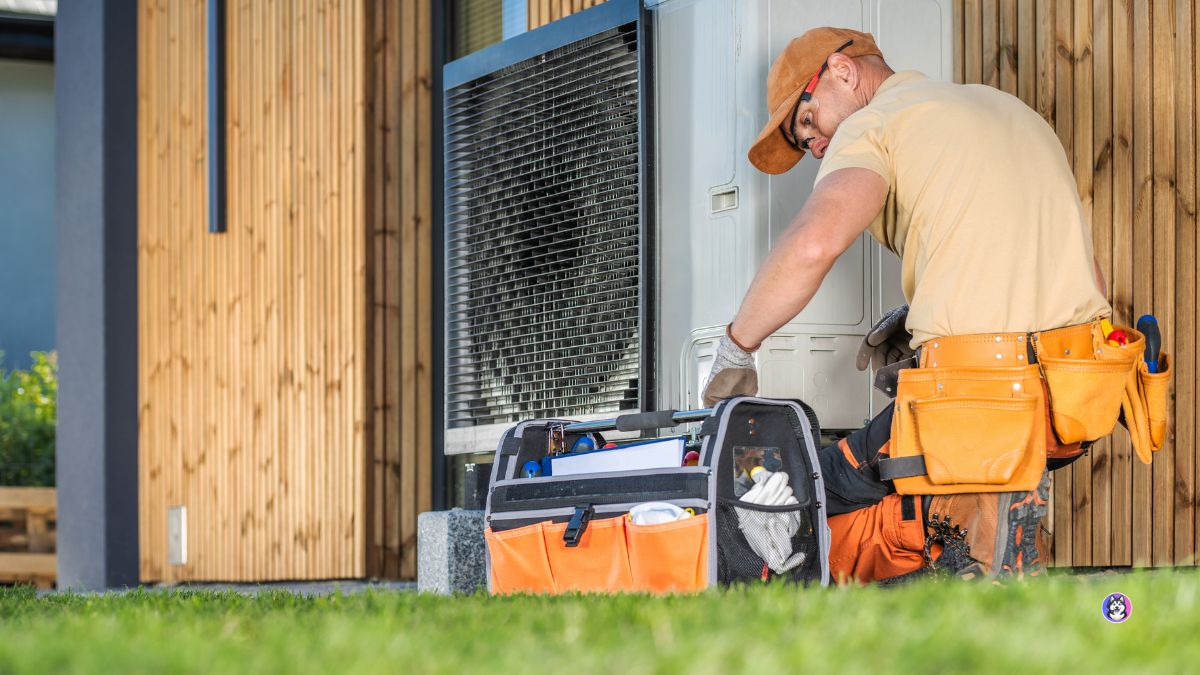
A customer calls and says:
“My AC isn’t working.”
That is enough to know they need help.
It is not enough to create a good service appointment.
Before an HVAC company sends a technician, the office usually needs a few more details.
Where is the property?
Is this a new or existing customer?
What type of system is having the problem?
Is the unit completely off, or is it running without heating or cooling properly?
Is there anything that may require urgent escalation?
When is the customer available?
Is the property inside the normal service area?
A good AI receptionist should be able to collect that information naturally before the booking is confirmed.
The goal is not to diagnose the HVAC system over the phone.
The goal is to make sure the technician, dispatcher, and customer all start with the right information.
The Best HVAC Intake Questions Are Simple
An HVAC AI receptionist does not need to ask 25 questions before scheduling a visit.
In fact, doing so would probably make the customer experience worse.
The objective is to capture the minimum useful information required to:
- understand the request
- determine the right workflow
- confirm serviceability
- identify special escalation conditions
- book the appropriate appointment
- give the service team useful context
For many residential HVAC businesses, that means roughly six to ten questions depending on the call.
Some questions should always be asked.
Others should only appear when the customer’s answer makes them relevant.
That is where conversational AI can be more useful than a rigid form.
1. “What Can I Help You With Today?”
Start open-ended.
Do not force the caller through:
“Press 1 for heating. Press 2 for cooling.”
Let them explain the problem naturally.
A homeowner may say:
“My AC is running but it’s not cooling.”
“My furnace keeps shutting off.”
“We want to replace our old system.”
“I just need to schedule annual maintenance.”
“I need to move tomorrow’s appointment.”
The first answer should determine which workflow comes next.
For example:
Repair
→ service intake
Maintenance
→ maintenance booking
Replacement
→ estimate workflow
Existing appointment
→ scheduling workflow
Billing
→ office workflow
This first question is essentially intent detection.
2. “Are You an Existing Customer?”
This is one of the most useful early questions.
Existing and new customers may need different workflows.
An existing customer may already have:
- an address on file
- equipment information
- maintenance-plan status
- warranty information
- a current appointment
- recent service history
If the AI is integrated with customer records, it may not even need to ask everything again.
For a new customer, more information will usually be required.
The objective is to avoid unnecessary repetition.
3. “What Is the Service Address or ZIP Code?”
Location matters before booking.
An HVAC company may serve:
- certain cities
- specific ZIP codes
- a defined radius
- separate service territories
Before consuming a service slot, the system should know whether the property is within the company’s service area.
The response can also help determine:
- which branch handles the call
- which technician team covers the area
- what appointment windows apply
A simple ZIP code check can prevent bad bookings later.
4. “Is This a Residential or Commercial Property?”
This question may not be necessary for every HVAC company, but it can be very important for businesses serving both residential and commercial customers.
A residential split system and a commercial rooftop unit may require:
- different technician skills
- different appointment lengths
- different routing
- different pricing processes
So the answer can change the workflow immediately.
For some businesses:
Residential
→ normal scheduling
Commercial
→ commercial service team or manual review
The exact rule should reflect how the company operates.
5. “Can You Describe What the System Is Doing?”
This is often more useful than asking:
“What do you think is wrong?”
The homeowner is not expected to diagnose the equipment.
Instead, ask them to describe what they observe.
Examples:
- unit will not turn on
- system runs but does not cool
- furnace starts and stops
- weak airflow
- thermostat is blank
- unusual noise
- water around the unit
- some rooms are much warmer than others
The AI should capture the customer’s description accurately.
It should not convert that description into a confident technical diagnosis.
A good structured note might say:
Customer reports: system running but blowing warm air
not:
Diagnosis: refrigerant leak
That distinction matters.
6. “When Did You First Notice the Problem?”
Timing gives the technician useful context.
Possible answers might include:
- this morning
- yesterday
- several days ago
- ongoing for weeks
- intermittent problem
- happened suddenly
This can also help the office understand the customer’s urgency.
Someone saying:
“It stopped working five minutes ago.”
is different from:
“It’s been making a noise for three weeks, but everything still works.”
Again, the system is collecting context, not diagnosing.
7. Ask Only the Safety Questions Your HVAC Company Has Approved
This is one of the areas where the workflow should be designed carefully.
The company may want the AI to identify certain phrases or conditions that require a different response.
Examples could include customers reporting:
- smoke
- burning smell
- suspected gas concern
- serious electrical issue
- another company-defined safety condition
The AI should not independently decide whether the situation is safe.
Instead, the company should define exactly:
- which conditions trigger escalation
- what approved message the AI should give
- whether the call should transfer
- whether an on-call person should be alerted
- whether normal booking should stop
The principle is simple:
The HVAC company defines the safety protocol. The AI follows it.
8. “Do You Know What Type of System You Have?”
This can be useful, but it should not become a barrier.
Some homeowners know exactly what they have.
They may say:
- central AC
- heat pump
- gas furnace
- mini-split
- packaged unit
Others have no idea.
That is fine.
The AI should be able to continue without forcing the customer to identify technical equipment they do not understand.
A useful interaction might be:
“Do you happen to know whether this is a heat pump, furnace, or another type of system?”
“No.”
“No problem. We can continue.”
That is much better than making the caller feel unqualified to request service.
9. “Is the System Working at All?”
For repair calls, a simple operational distinction can be useful.
For example:
“Is the system completely off, or is it running but not heating or cooling properly?”
The answer may help create a better service note.
Possible structured values:
Completely non-operational
Operating but not cooling
Operating but not heating
Intermittent
Other
Again, the purpose is preparation.
Not diagnosis.
10. “Have We Serviced This System Recently?”
For an existing customer, this can provide valuable context.
A repeated issue after recent service may require a different workflow from a completely new problem.
If the AI can retrieve service history through integration, it may already know this.
For example:
“It looks like we visited this property two weeks ago. Is this related to the same AC system?”
That creates a much better experience than treating every call as new.
It may also help route:
- callbacks
- warranty situations
- repeat repairs
- recent installations
to the correct team.
11. “Are You Looking for a Repair, or Are You Considering Replacement?”
You do not necessarily need to ask this on every call.
But it becomes useful when the customer’s language suggests replacement interest.
For example:
“This system is almost 20 years old.”
“We’ve repaired it three times.”
“I’m wondering if we should just replace the whole thing.”
That may represent a valuable estimate opportunity.
The AI can clarify:
“Would you like to schedule a repair visit, or are you interested in discussing replacement options as well?”
Now the business understands the customer’s intent.
It may still schedule service.
It may route to sales.
Or it may flag replacement interest for the technician.
The AI does not need to convince the homeowner either way.
It needs to preserve the opportunity.
12. “When Are You Available?”
Once the call has been qualified, scheduling becomes much easier.
The AI can ask:
“What day works best for you?”
or:
“Would you prefer morning or afternoon?”
If live availability is connected:
“We currently have tomorrow between 10 AM and noon or between 2 and 4 PM. Which works better?”
The customer chooses.
The booking can then be completed.
13. “Is There Anything the Technician Should Know Before Arriving?”
This is a useful final question.
Customers sometimes have important practical information that does not fit neatly into the standard intake.
For example:
- gated community
- parking instructions
- pets
- tenant access
- rooftop access
- call before arriving
- specific entrance
- property manager contact
The AI can capture this as an additional note.
This helps reduce avoidable confusion on arrival.
The AI Should Not Ask Every Question on Every Call
This is one of the most important design principles.
Consider a customer who says:
“I just want to schedule my annual maintenance.”
They probably do not need to answer:
“When did the problem start?”
because there is no problem.
Similarly, a customer calling to reschedule should not have to describe their HVAC equipment.
A good conversation should branch based on intent.
For example:
Maintenance
Customer → address → preferred time → appointment
Repair
Customer → location → problem → relevant intake → appointment
Replacement estimate
Customer → property → project intent → scheduling
Rescheduling
Identify appointment → find alternative → confirm
Potential escalation
Relevant information → approved escalation workflow
The AI should ask only what is necessary for that call.
A Practical AC Repair Screening Flow
Here is what a simple residential AC repair workflow could look like.
AI: “Thanks for calling. How can I help?”
Customer: “My AC isn’t cooling.”
AI: “I can help get that service request started. Are you an existing customer?”
Customer answers.
AI: “What is the service ZIP code?”
Service area confirmed.
AI: “Is the system running but not cooling, or is it not turning on?”
Customer: “It’s running. The air just isn’t cold.”
AI: “When did you first notice that?”
Customer: “This afternoon.”
The AI follows any additional company-approved intake logic.
Then:
AI: “I can help schedule a technician. We have tomorrow between 9 and 11 AM or between 1 and 3 PM.”
Customer selects the morning.
The resulting record might be:
Intent: AC repair
Customer: Existing
Service area: Confirmed
System status: Running, not cooling
Problem started: Today
Appointment: Tomorrow, 9–11 AM
Additional notes: None
That is enough to move the workflow forward.
A Replacement Estimate Should Have a Different Flow
Now imagine:
“We want to replace our furnace and AC.”
The AI should not run through the repair questions.
Instead:
“Sure. I can help schedule an estimate. What is the property ZIP code?”
Then perhaps:
“Are you replacing an existing system?”
“Do you know approximately how old it is?”
“When are you hoping to complete the project?”
“When would you be available for an estimate appointment?”
The output might become:
Intent: System replacement
Property: Residential
Existing system: Yes
Approximate age: 15+ years
Timeline: Next 30–60 days
Appointment: Estimate scheduled
Routing: Sales / comfort advisor
Different problem.
Different questions.
Different team.
What Should the AI Never Ask?
An AI receptionist should not turn a simple service call into an interrogation.
Avoid asking for information that:
- the technician does not need
- already exists in your systems
- is too technical for a homeowner
- does not affect the workflow
- can be collected later
- creates unnecessary friction
The best intake workflow is not the one with the most fields.
It is the one that gives the next person enough information to do their job.
Good Intake Questions Should Produce Structured Fields
After the call, the business should not only receive a transcript.
The answers should become usable fields.
For example:
Customer type: Existing
Intent: Heating repair
ZIP code: Valid service area
Property: Residential
System status: Furnace starts, then shuts off
Problem duration: Two days
Escalation trigger: None
Availability: Friday afternoon
Appointment: Booked
This can support:
- dispatch
- CRM updates
- technician preparation
- routing
- reporting
- follow-up automation
That is why the question design matters.
The conversation is creating operational data.
The Questions Should Match Your HVAC Business
There is no perfect universal HVAC AI script.
A small residential contractor may need six questions.
A multi-location HVAC company may need more routing logic.
A commercial contractor may have completely different intake requirements.
A business with maintenance memberships may ask about plan status.
A company specializing in heat pumps may have different workflows from one focused on traditional heating and cooling.
The right starting point is not:
“What questions does the AI vendor recommend?”
It is:
“What does our team need to know before we book and dispatch a job?”
Then design the conversation around that.
How to Build the First Version
A simple way to begin is to review recent service calls.
Take 20 or 30 typical calls.
Ask:
- What did the receptionist ask every time?
- Which answers changed the booking?
- Which information did dispatch repeatedly need?
- What questions did technicians wish had been asked?
- Which questions were unnecessary?
- Which calls required human escalation?
From that, build the first screening flow.
Keep it short.
Test it with real scenarios.
Then improve it based on what your office and technicians actually need.
Where HuskyVoiceAI Fits
HuskyVoiceAI can be configured around different HVAC call intents and business-defined questions.
A typical service intake workflow can look like:
Customer explains the need
↓
AI identifies intent
↓
Relevant questions asked dynamically
↓
Customer and service information captured
↓
Business rules applied
↓
Appointment booked, workflow triggered, or human handoff initiated
↓
Structured fields passed to the downstream workflow
This means the goal is not simply to create an HVAC script.
It is to create a conversational workflow that asks the right question only when the answer matters.
The Bottom Line
Before an HVAC technician is booked, the business usually needs a few basic facts.
Who is calling?
Where is the property?
What does the customer need?
What are they experiencing?
Is there a company-defined escalation condition?
When are they available?
What is the right next step?
A good AI receptionist can collect much of that information while the customer is already on the phone.
But the objective should remain narrow.
Do not ask the AI to diagnose.
Do not ask it to replace the dispatcher.
Do not ask it to make technical decisions it is not qualified to make.
Ask it to do the repetitive first part well:
Understand the call. Ask the right questions. Capture the answers. Book or route the next step.
That is enough to make the rest of the HVAC workflow significantly cleaner.



