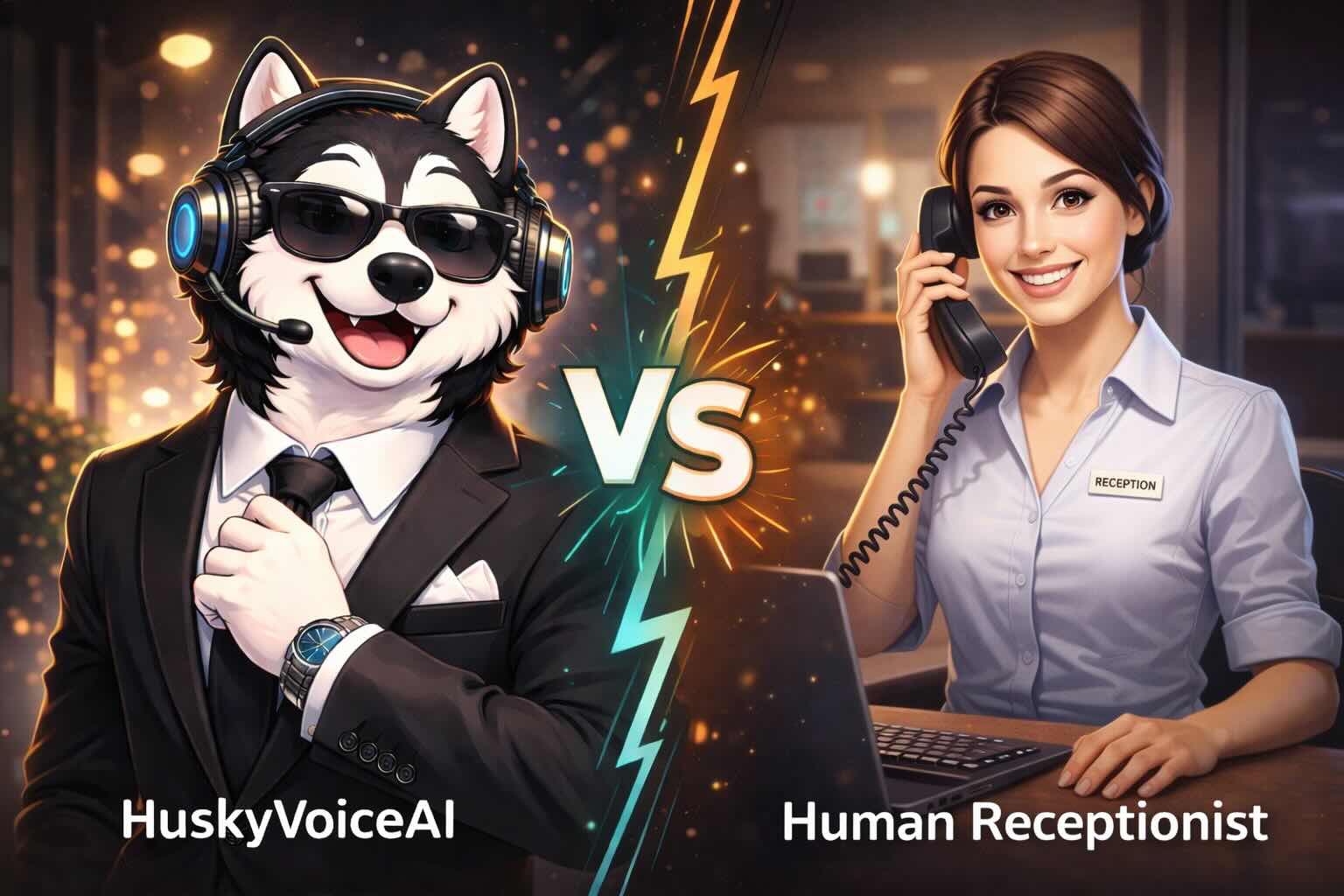
Small businesses have always had a phone coverage problem.
Customers call when:
- staff are helping someone else
- the office is closed
- the owner is on-site
- the receptionist is already on another call
- several leads arrive at once
Traditionally, the choices were:
- voicemail
- call forwarding
- hiring another receptionist
- outsourcing to a live answering service
In 2026, AI answering services have created another option.
These systems can do more than pick up the phone.
Depending on the platform, they can:
- answer calls 24/7
- understand why someone is calling
- answer approved questions
- capture leads
- schedule appointments
- route callers
- transfer to humans
- update workflows
- generate transcripts and summaries
But there is a big difference between an AI answering service that takes a message and one that can actually move the customer’s request forward.
This guide compares several AI answering-service options for small businesses and explains what to look for before choosing one.
Quick Comparison: AI Answering Services for Small Businesses
| AI Answering Service | Best For | Pricing Approach |
|---|---|---|
| HuskyVoiceAI | Businesses wanting inbound + outbound phone workflows | Usage/subscription-based depending on market and deployment |
| Smith.ai AI Receptionist | Businesses wanting AI with human backup | Per-call plans |
| Nextiva XBert | Businesses wanting voice, SMS and web chat together | Per interaction |
| RingCentral AI Receptionist | Businesses wanting AI inside a larger business-phone ecosystem | Starts from a monthly add-on |
| Goodcall | Small teams wanting straightforward no-code AI answering | Monthly per AI agent + customer allowance |
The right choice depends less on which company has the longest feature list and more on:
What should happen after your customer calls?
What Is an AI Answering Service?
An AI answering service uses conversational AI to answer incoming phone calls without requiring a human operator for every conversation.
A caller might say:
“I’d like to book an appointment.”
Instead of:
“Please leave a message after the tone,”
the AI can respond conversationally.
Depending on its capabilities, it may then:
- understand the requested service
- collect necessary information
- check availability
- offer an appointment
- create the booking
- send the result to the business
That is very different from traditional voicemail.
AI Answering Service vs AI Receptionist: Is There a Difference?
The terms are increasingly used interchangeably.
But there is a useful distinction.
AI answering service
The emphasis is usually:
answer the phone when your team cannot.
Typical use cases include:
- overflow
- after-hours
- missed calls
- message capture
- basic routing
AI receptionist
The emphasis is more often:
answer + complete receptionist workflows.
That might include:
- booking
- qualification
- customer lookup
- rescheduling
- routing
- follow-up
- CRM updates
Many modern products now do both.
So when evaluating vendors, ignore the label and examine the actual workflow.
1. HuskyVoiceAI
Best for: Businesses that want calls to become workflows
HuskyVoiceAI positions its AI receptionist around answering calls, understanding caller intent, booking appointments, qualifying leads, running follow-up workflows, and handing structured call information to the team. Its current product pages also describe outbound reminders and missed-call follow-up alongside inbound answering.
That makes it particularly relevant when the business wants more than:
“Someone answered the phone.”
A typical workflow might be:
Incoming call
↓
Caller intent understood
↓
Details collected
↓
Appointment / qualification / routing / callback
↓
Summary + next action
Useful for businesses such as
- clinics
- dental practices
- home services
- real estate
- hospitality
- recruiting
- sales teams
- appointment-led businesses
Where HuskyVoiceAI stands out
The strongest positioning is the combination of:
inbound answering
and:
outbound workflow automation.
For example:
Customer misses your call
→ AI callback
Appointment coming tomorrow
→ reminder call
Lead needs follow-up
→ outbound qualification
Customer calls after hours
→ inbound AI answering
HuskyVoiceAI also currently promotes appointment handling, lead capture, human escalation, multilingual conversations, call recordings, transcripts, and structured summaries.
Good fit if you want
- after-hours answering
- overflow
- appointment workflows
- inbound + outbound calling
- multilingual conversations
- lead qualification
- structured summaries
- business-rule-based workflows
- human escalation
Think carefully if
All you need is:
“Take a simple message when I don’t answer.”
A lighter answering product may be enough.
2. Smith.ai AI Receptionist
Best for: Businesses wanting AI plus human backup
Smith.ai is unusual because it combines an AI-first answering model with access to live receptionists.
Its current AI Receptionist plans include 24/7 answering, recordings, transcripts, summaries, lead qualification, routing, scheduling, analytics, and integrations. Smith.ai also offers live-agent involvement for calls that need a person.
That makes it particularly appealing to businesses that are comfortable automating routine conversations but still want a human safety net.
Current pricing
As of August 2026, Smith.ai lists:
- Free: 25 calls/month
- Pro: starts at $150/month with per-call pricing
- Enterprise: starts at $500/month with lower per-call rates and expanded customization
Pricing and allowances vary by tier and can change, so businesses should verify the live pricing before purchasing.
Where Smith.ai stands out
Its biggest differentiator is:
AI when AI works well
plus:
live receptionist when a person is needed.
That can be useful for:
- law firms
- professional services
- high-value lead intake
- businesses with frequent exceptions
Good fit if you want
- 24/7 coverage
- AI answering
- human backup
- scheduling
- lead qualification
- CRM integrations
- bilingual English/Spanish handling
Think carefully if
Your priority is maximizing automation across complex custom workflows rather than relying on human escalation.
3. Nextiva XBert
Best for: Businesses wanting voice, text and web chat in one system
Nextiva’s XBert handles customer conversations across:
- phone
- SMS
- web chat
Nextiva currently describes capabilities including 24/7 call handling, lead qualification, appointment booking, calendar and CRM integrations, transcripts, analytics, and smart human handoff.
That multi-channel approach may be attractive for businesses that do not want customer communication split across separate tools.
Current pricing
Nextiva currently lists XBert at:
$99/month for 100 interactions
with additional interactions priced at $0.99 each. It is available standalone or alongside other Nextiva products.
An interaction can include a qualifying phone call, SMS conversation, or web-chat conversation under Nextiva’s current usage definition.
Where Nextiva stands out
The key advantage is broader customer communication.
Instead of buying:
- one tool for calls
- another for SMS
- another for chat
a small business can potentially manage several channels through one platform.
Good fit if you want
- phone answering
- SMS
- web chat
- scheduling
- lead qualification
- CRM/calendar integration
- a broader communications platform
Think carefully if
Your requirement involves highly customized phone workflows that go far beyond standard receptionist and customer-service flows.
4. RingCentral AI Receptionist
Best for: Businesses already thinking about a broader phone platform
RingCentral’s AI Receptionist sits within its wider business communications ecosystem.
RingCentral currently lists its AI Receptionist as an add-on that can answer and route calls on business phone systems, with pricing starting at $39.
That ecosystem can be attractive if your business is already using RingCentral or considering its broader communication products.
Why that matters
Suppose you need:
- business phone numbers
- internal calling
- call routing
- customer communication
- AI answering
Buying these from one communications provider may simplify administration.
Good fit if you want
- business phone platform
- AI call answering
- call routing
- broader communications infrastructure
- a recognizable unified communications vendor
Think carefully if
You primarily need an AI workflow platform rather than a broader communications suite.
The important test is whether the AI can complete the exact tasks your callers require.
5. Goodcall
Best for: Small businesses wanting a straightforward no-code AI phone agent
Goodcall offers AI phone agents with configurable logic flows and business information.
Its current plans emphasize unlimited AI conversation minutes and tokens, with usage allowances based primarily on the number of unique customers interacting with the AI agent.
Current pricing
Goodcall currently lists monthly pricing of:
- Starter: $79 per agent
- Growth: $129 per agent
- Scale: $249 per agent
Each tier includes an allowance of unique customers, with additional usage charged beyond the included amount.
Where Goodcall stands out
The pricing model is different from traditional:
- per-minute
- per-call
models.
Goodcall currently prices around unique customers rather than charging for every minute or AI token used.
This may make costs easier to predict for businesses where the same customers call several times.
Good fit if you want
- simple AI answering
- configurable workflows
- no-code setup
- predictable usage model
- basic small-business phone automation
Think carefully if
Your workflows require substantial customization, complex integrations, or advanced outbound automation.
Which AI Answering Service Is Best?
It depends on your primary objective.
Choose HuskyVoiceAI if:
You want calls to trigger broader workflows such as:
- appointment booking
- qualification
- reminders
- outbound follow-up
- structured business actions
Choose Smith.ai if:
You want AI answering but place a high value on integrated human backup.
Choose Nextiva if:
You want AI customer handling across:
- phone
- text
- chat
inside one broader customer-communications product.
Choose RingCentral if:
You are already using or considering RingCentral and want AI reception integrated with your business phone environment.
Consider Goodcall if:
You want a relatively simple no-code AI phone agent with a usage model centered around unique customers.
AI Answering Service vs Traditional Answering Service
This is an important buying decision.
A traditional answering service usually relies on human operators.
An AI answering service relies primarily on software.
Neither is automatically better.
They have different strengths.
Traditional answering service strengths
Humans can be particularly good at:
- unusual conversations
- emotional callers
- exceptions
- nuanced requests
- unpredictable situations
AI answering service strengths
AI can be particularly useful for:
- 24/7 answering
- simultaneous calls
- repetitive questions
- standardized intake
- appointment workflows
- structured data collection
- consistent routing
A hybrid model may also make sense.
This is exactly why Smith.ai’s AI-plus-human approach is interesting for certain businesses.
What Should an AI Answering Service Be Able to Do?
Before comparing prices, test these capabilities.
1. Answer After Hours
Call the system outside business hours.
Ask a realistic question.
Does it actually help?
Or does it effectively behave like a more sophisticated voicemail?
2. Handle Multiple Calls
Ask:
How many conversations can happen simultaneously?
If your business misses calls because your receptionist is already busy, concurrency is one of the main reasons to consider AI.
3. Understand Natural Language
Customers do not follow scripts.
They say things like:
“I need someone sometime after lunch Thursday, but Friday morning would also work.”
The system needs to interpret that naturally.
4. Book Appointments
If appointment scheduling matters, test the complete workflow.
Not:
“Can it collect an appointment request?”
But:
“Can it check verified availability and create the actual appointment?”
5. Qualify Leads
For sales-oriented businesses, the AI may need to determine:
- need
- location
- company
- timing
- service type
- potential fit
Then route the lead appropriately.
6. Transfer to Humans
Customers should have a human path when necessary.
Ask what happens when:
- customer asks for a person
- AI does not understand
- complaint occurs
- call needs technical expertise
- an important customer calls
A good AI service should know when not to automate.
7. Keep Context During Handoff
Imagine the AI asks five questions.
Then transfers the caller.
The employee says:
“Can I get your name and ask what you’re calling about?”
That is a poor experience.
The handoff should include context so the human can continue rather than restart.
8. Connect With Your Existing Systems
Look for connections to whatever actually operates your business:
- CRM
- scheduling
- dispatch
- customer database
- field-service system
- workflow automation
More importantly, ask:
What can the integration actually do?
There is a big difference between:
send transcript
and:
find customer → check schedule → book appointment → update CRM.
9. Provide Useful Call Data
After the conversation, the team should ideally receive more than:
Call completed.
Useful information may include:
- recording
- transcript
- summary
- caller
- intent
- qualification data
- outcome
- next action
The best call data makes it obvious what happened without replaying the entire conversation.
10. Support Outbound Workflows
This is often overlooked.
Your business may eventually want to automate:
- appointment reminders
- confirmations
- missed-call callbacks
- lead follow-ups
- maintenance reminders
- customer reactivation
If outbound calling matters, evaluate it at the beginning rather than adding another platform later.
Compare Pricing Based on Your Actual Call Pattern
AI answering-service pricing is not standardized.
For example:
- Smith.ai uses primarily per-call plans.
- Nextiva currently uses interaction-based pricing.
- Goodcall uses a subscription plus unique-customer allowance.
- RingCentral lists its AI Receptionist as a monthly add-on starting at $39.
So comparing:
$79 vs $99 vs $150
without understanding usage can be misleading.
Instead, estimate:
Calls per month
1,000
Average duration
3 minutes
Unique customers
500
Calls needing human escalation
100
Appointments
250
Then calculate each vendor’s expected cost for that actual workload.
The Cheapest Answering Service May Not Be the Cheapest Workflow
Consider two systems.
System A
Costs less.
Answers the phone.
Takes a message.
Your employee then:
- reads message
- calls customer
- checks calendar
- books appointment
- updates CRM
System B
Costs more.
But:
- answers
- books
- updates
- sends confirmation
System B may reduce significantly more administrative work.
This is why businesses should compare:
cost per successful outcome
rather than only:
cost per call.
Test With Real Calls Before Buying
Do not choose an AI answering service from a feature table alone.
Create realistic tests.
Test 1: Simple FAQ
“What time are you open Saturday?”
Test 2: Appointment
“I need something next week.”
Test 3: Customer changes their mind
“Tuesday works. Actually, can we do Thursday instead?”
Test 4: Interruption
Interrupt the AI mid-sentence.
Test 5: Complex request
Use an unusual situation from your business.
Test 6: Human request
“Can I talk to someone?”
Then compare:
- accuracy
- response speed
- naturalness
- task completion
- escalation
- information captured
The best vendor on paper may not be the best one for your callers.
Which Small Businesses Benefit Most From AI Answering Services?
AI answering can be particularly useful for businesses where phone calls directly create revenue or operational work.
Examples include:
Home services
- HVAC
- plumbers
- electricians
- contractors
Healthcare
- clinics
- dental offices
- medical practices
Professional services
- law firms
- accountants
- consultants
Local appointment businesses
- salons
- spas
- wellness businesses
Real estate
- brokerages
- property managers
- agents
B2B sales teams
- lead qualification
- demo booking
- inbound enquiries
These businesses often face the same underlying problem:
customers call when employees are not always available.
Start With Overflow Instead of Replacing Everything
One of the easiest ways for a small business to test an AI answering service is:
Human available
Human answers
Human already busy
AI answers
Office closed
AI answers
This allows the company to test the technology without rebuilding the entire customer experience.
Over time, additional workflows can be added.
What Should You Measure?
Once the system is live, track:
- total calls
- missed calls
- overflow calls
- after-hours calls
- appointments booked
- leads qualified
- FAQs resolved
- human transfers
- callbacks created
- abandoned conversations
- average cost per handled call
- cost per appointment or qualified lead
The most useful question is not:
How many calls did AI answer?
It is:
How many calls reached the correct business outcome?
The Bottom Line
The best AI answering service for a small business is not necessarily the cheapest.
It is not necessarily the one with the most realistic voice.
And it is not necessarily the one with the longest list of integrations.
The best system is the one that reliably handles the conversations your business actually receives.
Start with your most common caller needs:
- appointments
- new leads
- after-hours enquiries
- service requests
- repetitive questions
- overflow calls
Then ask:
Can this AI answering service move those customers to the right next step?
Because ultimately, small businesses do not need software that merely answers more calls.
They need more of those calls to become:
appointments, leads, service requests, resolved questions, and satisfied customers.



