Overcoming Data Challenges in Agency Client Reporting
Overcoming Data Challenges in Agency Client Reporting Client reporting is the bedrock of trust and transparency in agency-client relationships. Yet, for many marketing agencies, turning raw data into accurate, timely, and actionable reports remains a persistent challenge. In a world that thrives on real-time insight, data inconsistencies, manual errors, and integration bottlenecks are more than […]
Overcoming Data Challenges in Agency Client Reporting
Client reporting is the bedrock of trust and transparency in agency-client relationships. Yet, for many marketing agencies, turning raw data into accurate, timely, and actionable reports remains a persistent challenge. In a world that thrives on real-time insight, data inconsistencies, manual errors, and integration bottlenecks are more than just frustrating—they’re a liability.
In this blog, we unpack the most common data challenges agencies face and offer best practices to overcome them using automated, integrated solutions like SmartSlides.
The Agency Data Problem: Inconsistency and Inefficiency
Agencies typically pull data from multiple sources—Google Analytics, Meta Ads Manager, CRM platforms, spreadsheets, BI tools, and sometimes even screenshots from social platforms. While each data source offers value, the process of stitching these datasets into a coherent narrative can be painfully slow and error-prone.
According to Forrester, “agencies that fail to standardize and automate reporting processes risk client dissatisfaction due to misalignment and data errors.” Common pitfalls include:
- Conflicting metrics from different tools
- Inconsistent naming conventions
- Manual copy-pasting into slides or spreadsheets
- Delayed reporting cycles that reduce impact
Top Data Challenges in Agency Client Reporting
- Data Silos: Disconnected tools mean analysts must manually pull from each source, increasing workload and fragmentation.
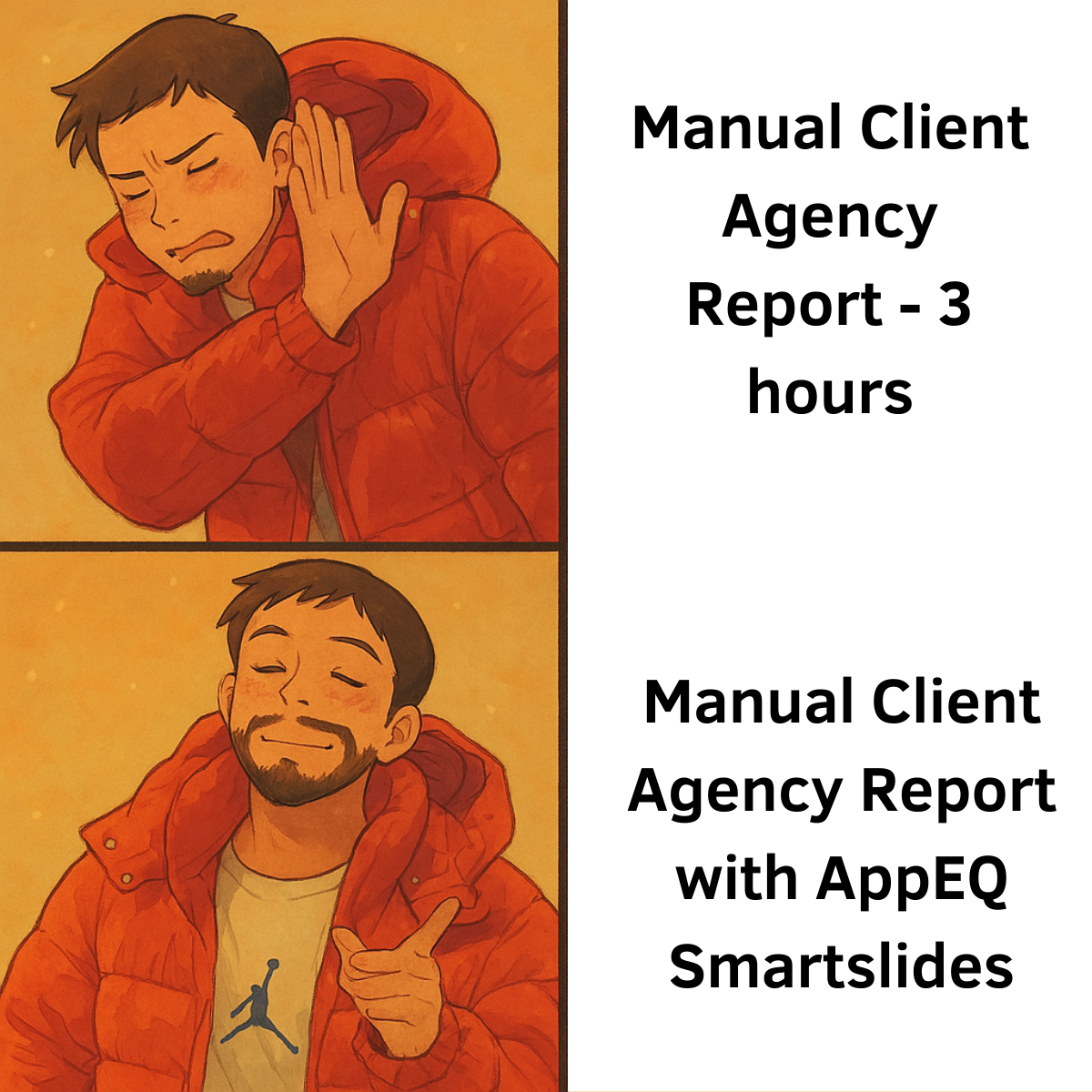
- Manual Updates: Static decks built in PowerPoint or Canva require hours of manual editing for every client or campaign.
- Delayed Access to Insights: By the time reports are compiled, the data may already be outdated.
- Lack of Customization at Scale: It’s difficult to personalize client insights when juggling multiple report formats and datasets.
- Data Integrity Issues: Typos, version mismatches, and broken formulas are all too common when data lives in spreadsheets.
The Business Cost of Reporting Bottlenecks
- Teams waste 20-40% of their time on formatting and data collection (Gartner)
- Delays in reporting lead to missed optimization windows and slower decision-making
- Errors damage client trust and strain long-term relationships
SmartSlides: Solving Data Challenges with Seamless Integration
SmartSlides is purpose-built to bring consistency, speed, and automation to client reporting. By integrating with BI tools, CRMs, spreadsheets, and marketing platforms, it transforms your report workflow into a real-time, scalable solution.
Key Features That Address Agency Data Bottlenecks:
- Real-Time Data Sync: Connect your reports directly to Google Sheets, Looker, Power BI, HubSpot, or Salesforce. No more copy-pasting.
- Template-Driven Personalization: Create reusable templates with dynamic data fields to instantly personalize reports across accounts.
- Chart Library: Centralize your most-used KPIs, charts, and visual elements for consistent use across reports.
- Auto-Sync Slides: Updates to your data automatically reflect in your reports—ensuring freshness and accuracy.
More Reporting, Less Rebuilding
Agencies using SmartSlides report:
- 70% reduction in time spent per report
- 3x increase in reporting frequency
- 50% higher client engagement with data-rich, branded decks
Real-Time Visibility, Zero Tab Switching
SmartSlides acts as a single source of truth for client data. Rather than toggling across platforms and patching together screenshots, teams can focus on delivering insights that matter.
Want to see it in action? Book a demo now
Best Practices to Avoid Reporting Bottlenecks
- Standardize Your Metrics: Align with clients early on what KPIs matter and stick to them across campaigns.
- Automate Where Possible: Use tools like SmartSlides to auto-sync performance data and eliminate manual errors.
- Create a Reporting Cadence: Weekly or monthly updates build accountability and avoid last-minute scrambles.
- Centralize Data Sources: Feed all key data into one reporting hub for consistent access.
- Enable Collaboration: Allow multiple team members to contribute to, review, and update reports in real-time.
SmartSlides vs. Manual Methods: A Quick Comparison
| Feature | Manual Reports | SmartSlides |
|---|---|---|
| Data Refresh | Manual pull | Auto-synced with integrations |
| Report Format | Custom each time | Reusable templates |
| Scalability | Low | High (bulk generation) |
| Error Risk | High | Low |
| Client Perception | Inconsistent | Branded, polished |
Explore More Resources
- Automate Your QBRs: The Future of Customer Success Reporting
- Rethinking QBRs: From Burden to Strategic Conversations
- The Future of QBRs: How AI & Presentation Automation are Changing Business Reviews
Conclusion: Build a Reporting Engine, Not a Bottleneck
Agencies that eliminate manual data headaches are better positioned to scale their client base and improve campaign outcomes. SmartSlides offers the infrastructure to move from ad-hoc reporting to proactive, automated insights.
Don’t let data complexity derail your client experience. Book a SmartSlides demo and start transforming your agency’s reporting workflow today.
Ready to Transform Your Business with AI?
Discover how HuskyVoice.AI can help you never miss another customer call.
Related Articles

TL;DR:Bangalore startups are adopting Kannada Voice AI to automate inbound calls, qualify leads, improve customer support, and handle multilingual conversations across Kannada, English, and Kanglish (Kannada+English). With more customers preferring local-language communication and generative AI reducing operational costs, Kannada Voice AI has become a high-ROI upgrade for SaaS, D2C, real estate, fintech, healthtech, and local-service […]

TL;DR:In 2025, Hindi Voice AI is becoming the default way Indian customers talk to businesses. Studies show that a clear majority of Indian internet users prefer content and support in their local language rather than English, especially in Tier-2/Tier-3 cities.(atomcomm.in) With AI receptionists that speak Hindi, Hinglish, and regional accents, businesses can answer every call […]

Running a wedding planning business in Ludhiana isn’t just a job — it’s a beautiful chaos of families, emotions, budgets, haldi schedules, caterers, mehndi artists, decorators, baraat timings, and of course… non-stop phone calls. This is the story of Navneet, a 32-year-old wedding planner from Sarabha Nagar, Ludhiana — and how HuskyVoice.AI quietly became her […]

If you’re comparing Vapi.ai and HuskyVoice.AI, you probably want one simple answer:Which one is better for my business, my customers, and my budget? This guide breaks it down clearly — no jargon, no fluff. ⭐ TL;DR — The Quick Answer If you’re a developer or technical founder who wants to build your own voice AI […]

TL;DR Arunachal Pradesh businesses — especially homestays, tour operators, transport providers, adventure services, clinics, and retail shops — can now offer 24/7 assistance in local Tani languages (Adi, Apatani, Nyishi, Galo) + Hindi + English using Voice AI. It automates enquiries, bookings, follow-ups, and tourist support across Itanagar, Ziro, Tawang, Pasighat, Aalo, and Bomdila. What […]

TL;DR Kokborok Voice AI enables clinics, tourism agencies, homestays, restaurants, taxis, and local businesses across Agartala, Udaipur, Dharmanagar, Ambassa, and Kailashahar to provide native Kokborok + English/Hindi call support 24/7. It automates bookings, enquiries, appointment scheduling, and follow-up calls without additional staff. What is Kokborok Voice AI? Kokborok Voice AI is an intelligent phone receptionist […]